
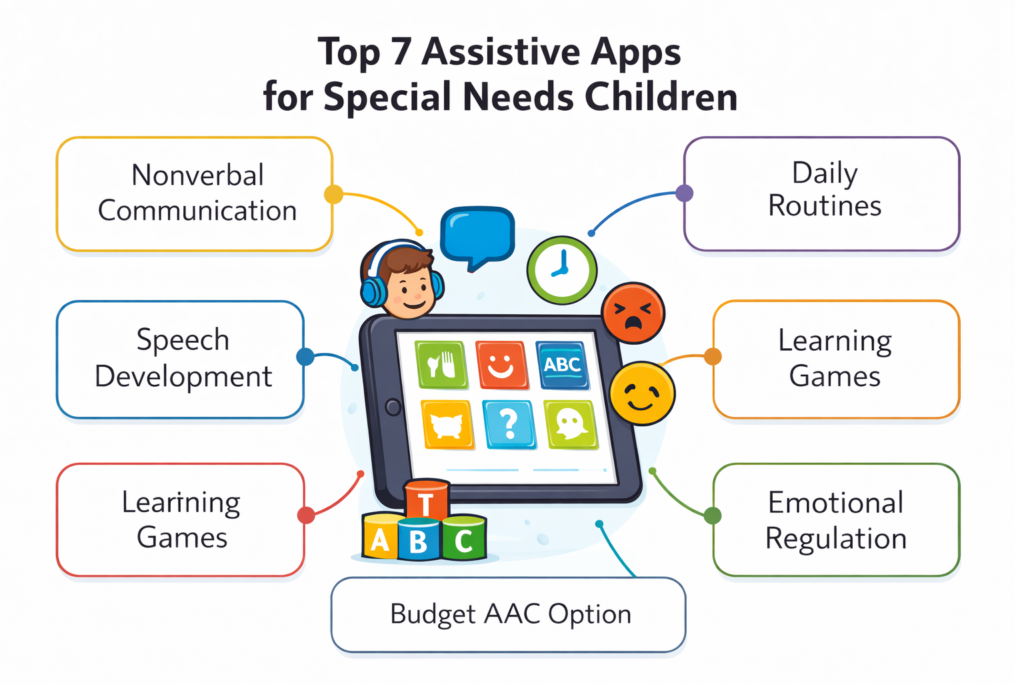
In today’s digital world, assistive technology is no longer optional—it’s transformative. For children with special needs, the right app can unlock communication, improve focus, reduce frustration, and accelerate learning in ways that traditional methods often cannot.
Whether you’re a parent, teacher, or caregiver, this guide will walk you through the top 7 assistive apps that are making a real difference in 2026, along with how to use them effectively.
Why Assistive Apps Are Game-Changers
Children with special needs—including autism, ADHD, speech delays, and learning disabilities—often face barriers in communication, attention, and comprehension.
Assistive apps help by:
- Enhancing communication for nonverbal children
- Supporting structured learning and routines
- Improving focus and emotional regulation
- Encouraging independence and confidence
Most importantly, they provide immediate, practical solutions that parents can implement at home without waiting for specialized services.
1. Proloquo2Go – Best for Nonverbal Communication
What it does:
Proloquo2Go is one of the most powerful Augmentative and Alternative Communication (AAC) apps available.
It allows children to:
- Tap symbols or words to form sentences
- Convert text into natural-sounding speech
- Express needs, emotions, and thoughts clearly
Why it’s powerful:
- Ideal for nonverbal or minimally verbal children
- Reduces frustration caused by communication barriers
- Builds language skills over time
Best for:
- Autism
- Speech delays
- Cerebral palsy
Pro Tip: Start with basic words like “eat,” “drink,” and “help” before expanding vocabulary.
2. Choiceworks – Best for Routines & Behavior Management
What it does:
Choiceworks helps children understand daily routines and expectations through visual schedules.
Features include:
- Step-by-step routine boards
- Waiting timers
- Emotion regulation tools
Why it’s powerful:
- Reduces anxiety caused by unpredictability
- Helps prevent tantrums and meltdowns
- Encourages independence
Best for:
- Autism
- ADHD
- Anxiety disorders
Viral Insight: Many parents report fewer meltdowns within days of consistent use.
3. Speech Blubs – Best for Speech Development
What it does:
Speech Blubs uses video modeling and AI-powered speech recognition to encourage children to speak.
Children watch videos of other kids speaking and then imitate them.
Why it’s powerful:
- Engages children through fun, interactive content
- Encourages natural speech imitation
- Tracks progress over time
Best for:
- Late talkers
- Speech delays
- Apraxia
Pro Tip: Use it daily for 10–15 minutes for best results.
4. Otsimo – Best All-in-One Learning App
What it does:
Otsimo offers a wide range of educational games tailored for special needs children.
It includes:
- Math and reading activities
- Visual and auditory learning tools
- Personalized learning paths
Why it’s powerful:
- Designed specifically for children with autism and learning disabilities
- Keeps children engaged through gamification
- Adapts to the child’s ability level
Best for:
- Autism
- Down syndrome
- General learning delays
Bonus: Works well as a daily learning companion at home.
5. Avaz AAC – Best Budget-Friendly Communication App
What it does:
Avaz AAC is another communication app that helps children express themselves using pictures and text.
Why it stands out:
- More affordable than many AAC apps
- Supports multiple languages
- Easy to customize
Best for:
- Nonverbal children
- Families looking for a cost-effective solution
Key Advantage: Great entry point into AAC before upgrading to more advanced tools.
6. Breathe, Think, Do with Sesame – Best for Emotional Regulation
What it does:
This app teaches children how to manage emotions and solve problems using simple strategies.
It guides them through:
- Breathing exercises
- Problem-solving steps
- Emotional awareness
Why it’s powerful:
- Uses familiar characters to engage children
- Builds emotional intelligence
- Helps children handle frustration calmly
Best for:
- Emotional outbursts
- Anxiety
- Behavioral challenges
Real Impact: Helps children learn self-control skills they can use for life.
7. Time Timer – Best for Focus & Time Management
What it does:
Time Timer visually shows how much time is left for a task.
Why it works:
- Makes time visible and understandable
- Improves transitions between activities
- Reduces resistance to tasks
Best for:
- ADHD
- Autism
- Executive functioning challenges
Pro Tip: Use it for homework, playtime, and bedtime routines.
How to Choose the Right App (Most Parents Get This Wrong)
Not every app works for every child.
Here’s how to choose wisely:
1. Identify the main challenge
Ask:
- Is it communication?
- Behavior?
- Learning?
- Emotional control?
2. Start simple
Avoid overwhelming your child with too many apps at once.
3. Be consistent
The real results come from daily use over time, not occasional use.
4. Involve the child
Let them explore and enjoy the app—engagement is key.
Common Mistakes to Avoid
Many parents download apps but see no results. Here’s why:
❌ Using too many apps at once
❌ Not guiding the child during use
❌ Expecting instant results
❌ Ignoring the child’s interests
Fix: Focus on 1–2 apps consistently before adding more.
Free vs Paid Apps – What Should You Choose?
- Free apps: Great for testing and starting out
- Paid apps: Usually more advanced and customizable
Recommendation: Start with free trials, then invest in the apps that show clear benefits.
Real-Life Example
A parent of a nonverbal child introduced an AAC app consistently for 3 weeks.
Results:
- Child started using basic words like “eat” and “play”
- Reduced frustration and tantrums
- Improved interaction with family members
This shows that the right tool + consistency = real progress
The Future of Assistive Apps (2026 and Beyond)
Expect to see:
- AI-powered speech prediction
- Emotion-detection tools
- Personalized learning systems
- Integration with wearable devices
These innovations will make assistive apps even more powerful and accessible.
Key Points to Remember
Assistive apps are not just tools—they are bridges to independence, communication, and confidence.
The key is not downloading many apps, but choosing the right ones and using them consistently.
Quick Summary (Save This)
Top 7 Assistive Apps:
- Proloquo2Go – Communication
- Choiceworks – Routines
- Speech Blubs – Speech development
- Otsimo – Learning
- Avaz AAC – Budget communication
- Breathe, Think, Do – Emotions
- Time Timer – Focus